From empty project to an active team of agents
Agent Manager takes care of the setup for you. Within minutes, a coordinated team will be working on your project.
- 1
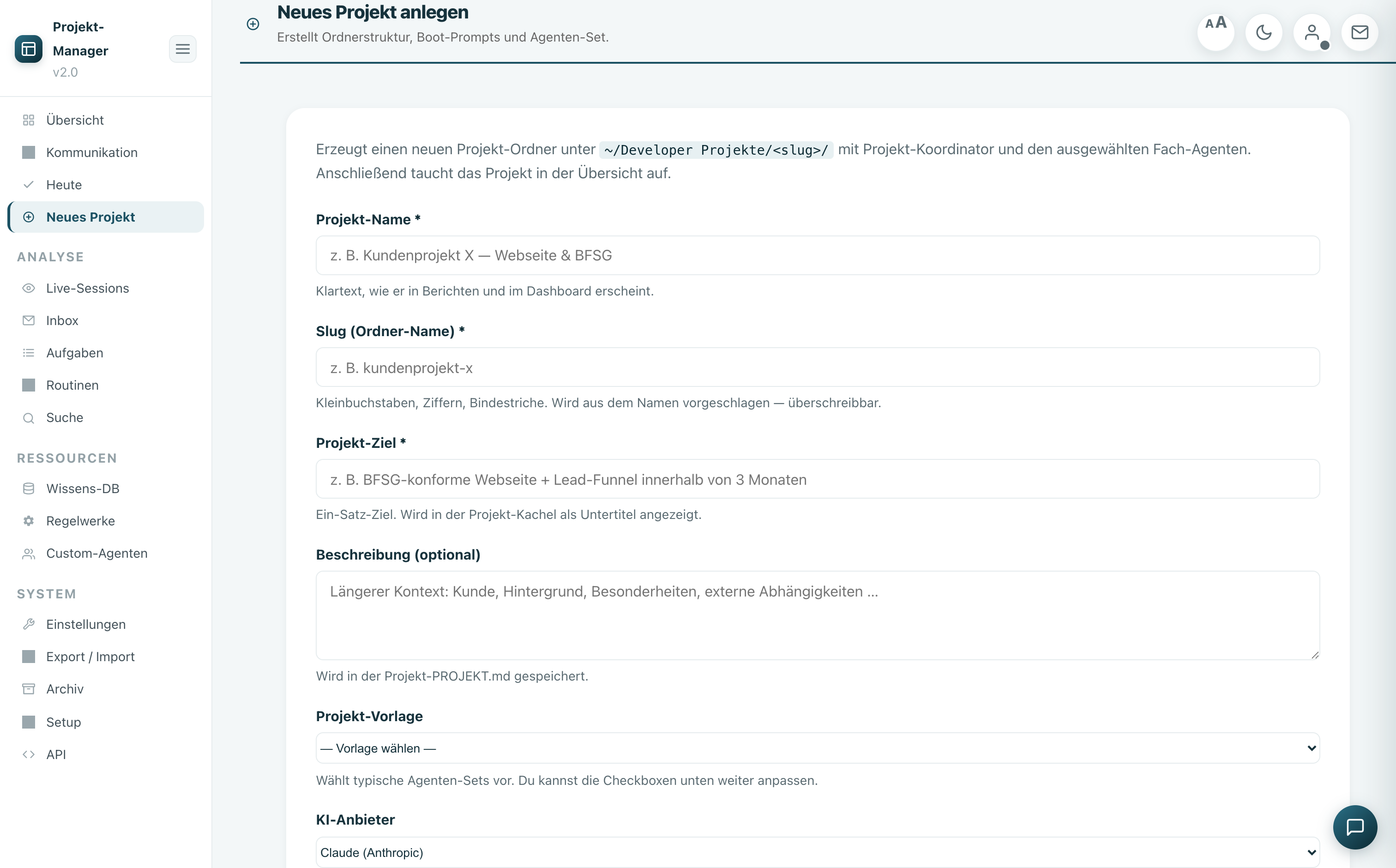
Create project
Choose name, target, and provider — folder structure, roles, boot prompts, and rules are created automatically.
- 2
Team pairing
Coordinator + specialist agents from the catalog. During the pairing process, each agent reads their role, tasks, and mailbox.
- 3
Working in the chat
Place orders, attach files, select mode & model per agent — and switch providers if necessary.
- 4
Coordinate
Agents coordinate via the mailbox and notify you when they are waiting for you. You keep track of everything.
- 5
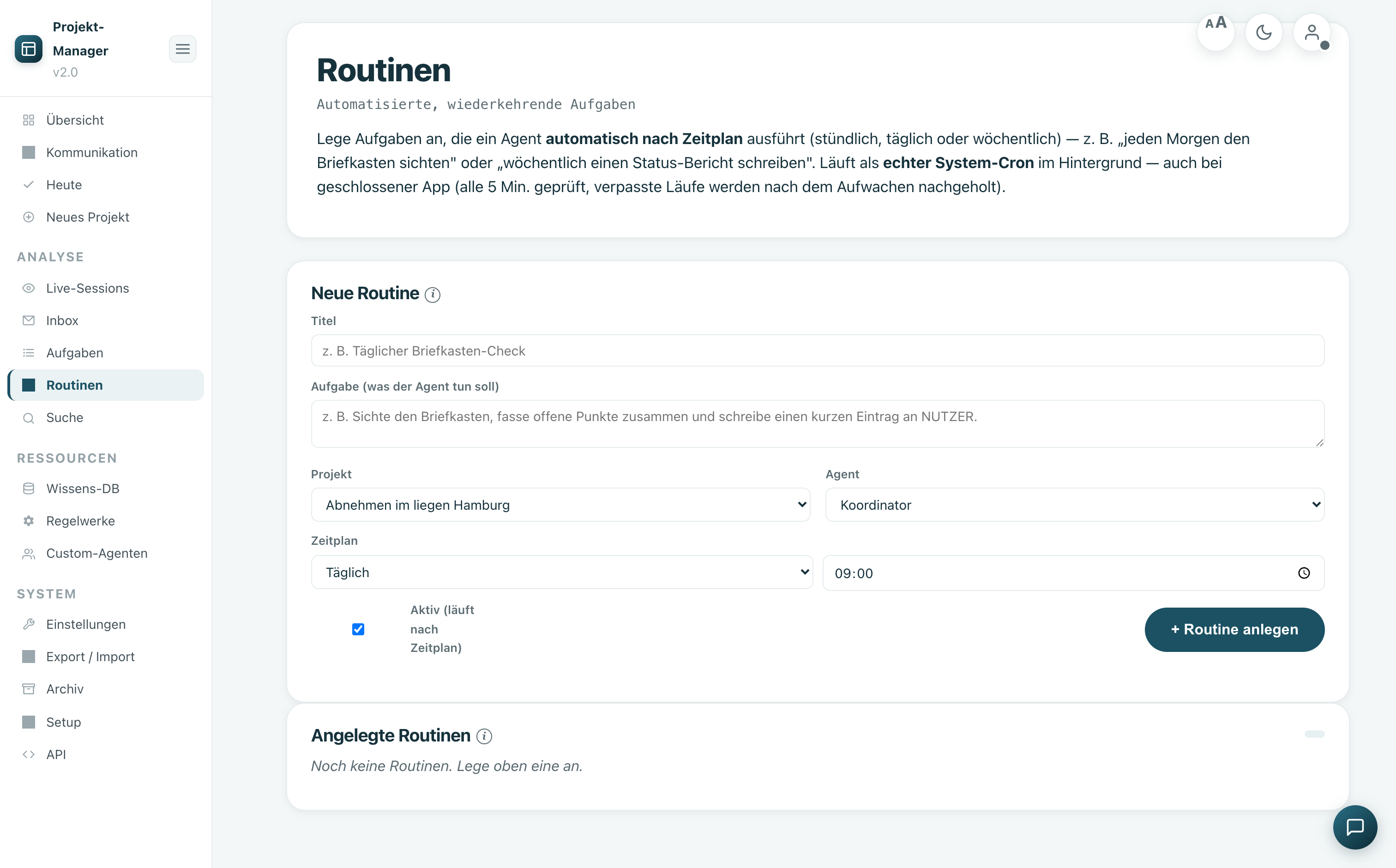
Automate
Standard processes can be checked off as workflows, and recurring tasks can be run as routines.
Create & Select Team
A guided setup creates the complete project structure. You simply select the appropriate roles — Agent Manager takes care of the rest.
- Project templates with typical agent sets
- Provider (Claude/Codex) as project standard
- Custom agents for special cases
Work, coordinate, automate
In the cockpit you can see at any time who is working on what, where something is waiting — and let routines take care of the tedious work.
- Live chat with mode & model per agent
- Mailbox coordination between agents
- Workflows & Routines for Recurring Tasks
Become a tester for Agent Manager
Early access, direct line to the creators, influence on the roadmap. We are looking for agencies, freelancers, and teams working with Claude Code and/or OpenAI Codex on Mac.
Pre-register for the beta nowmacOS · active Claude and/or OpenAI subscription · no costs, no payment details.