Agent Manager Remote
The official iPhone app for Agent Manager. Full mobile access to all agents and projects — from anywhere in the world, without having to open your Mac.
For free
German
Your team of agents — in your pocket
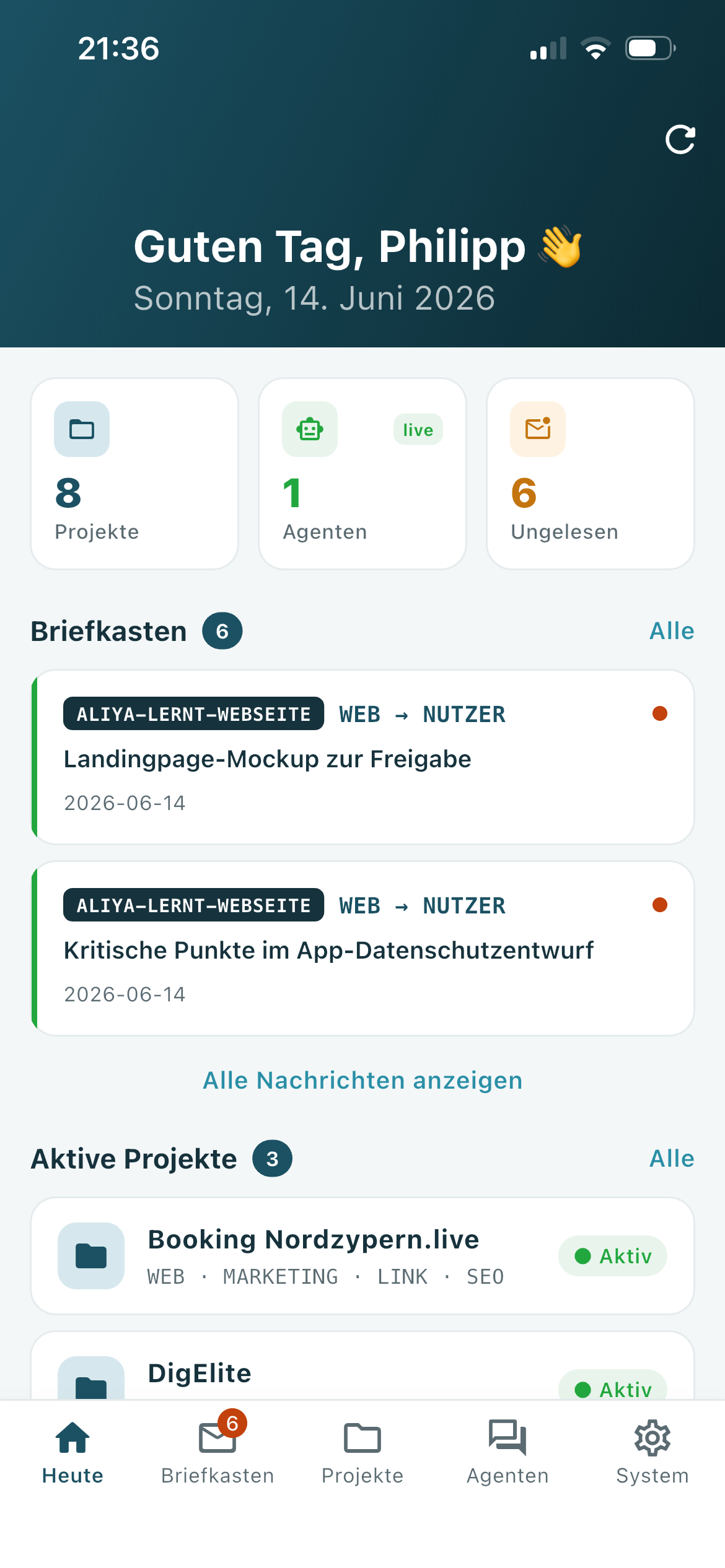
Inbox, projects, live chat with your agents, routines, and system status. Encrypted via TLS, optional tailscale — no cloud intermediary.
- Free in the App Store · iPhone iOS 13 and later
- Encrypted via TLS / Tailscale VPN
- No cloud · no advertising · no tracking
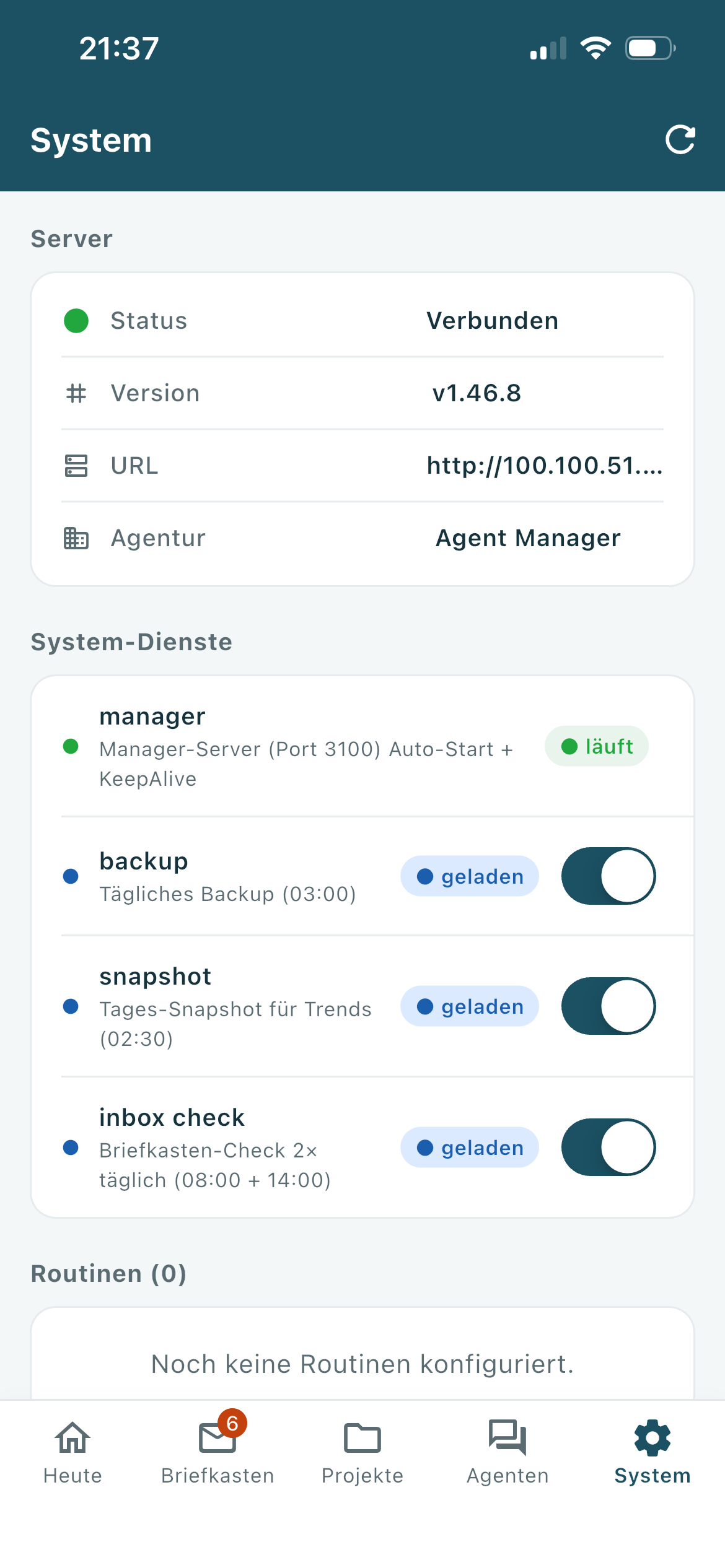
What you can do with remote access
Mailbox
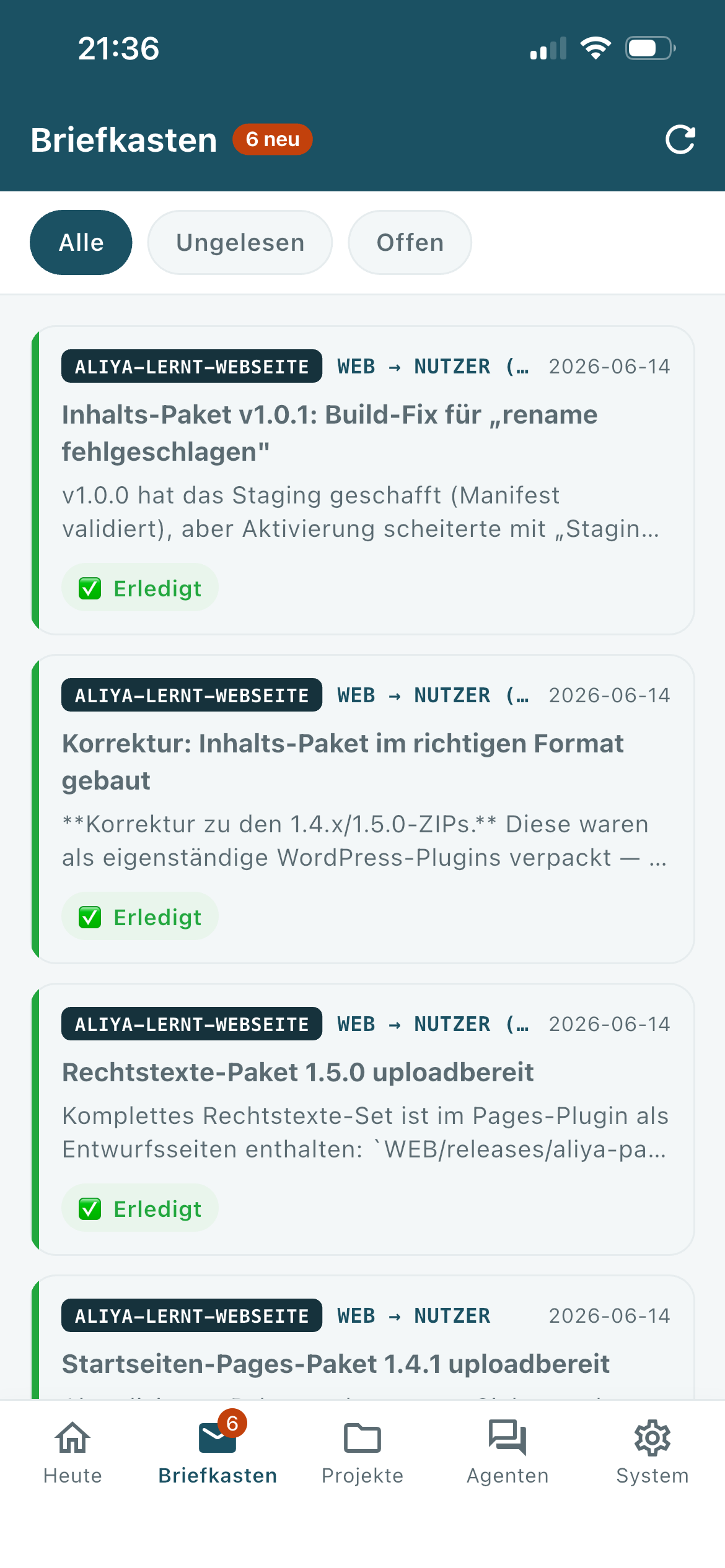
Your agents will contact you when they need a decision or have completed a task. You can read the message, reply directly in the app, or mark it as done—all without a Mac.
Projects
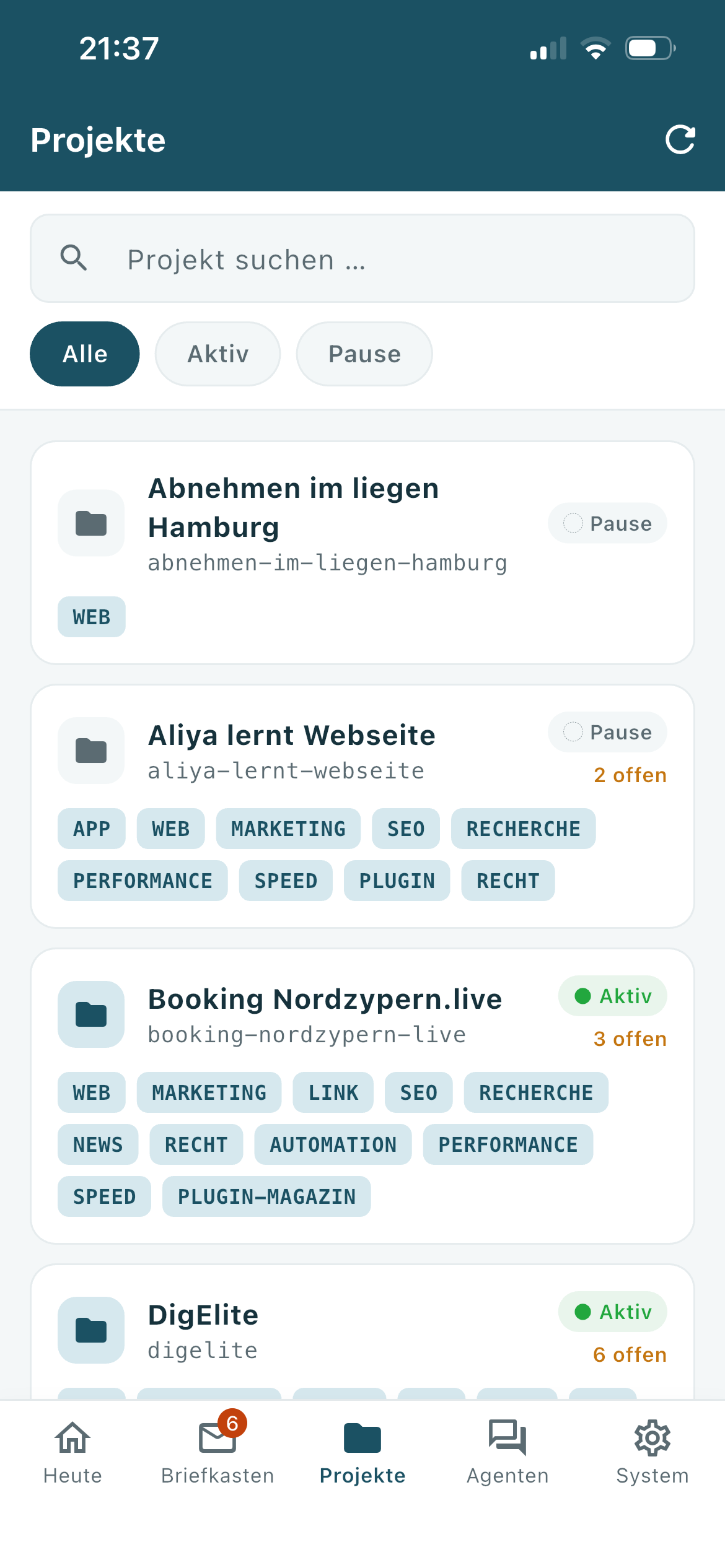
See all your projects at a glance. Which ones are currently running, which agents are active, when was the last activity? You can start an agent directly with a single tap.
Live chat with agents
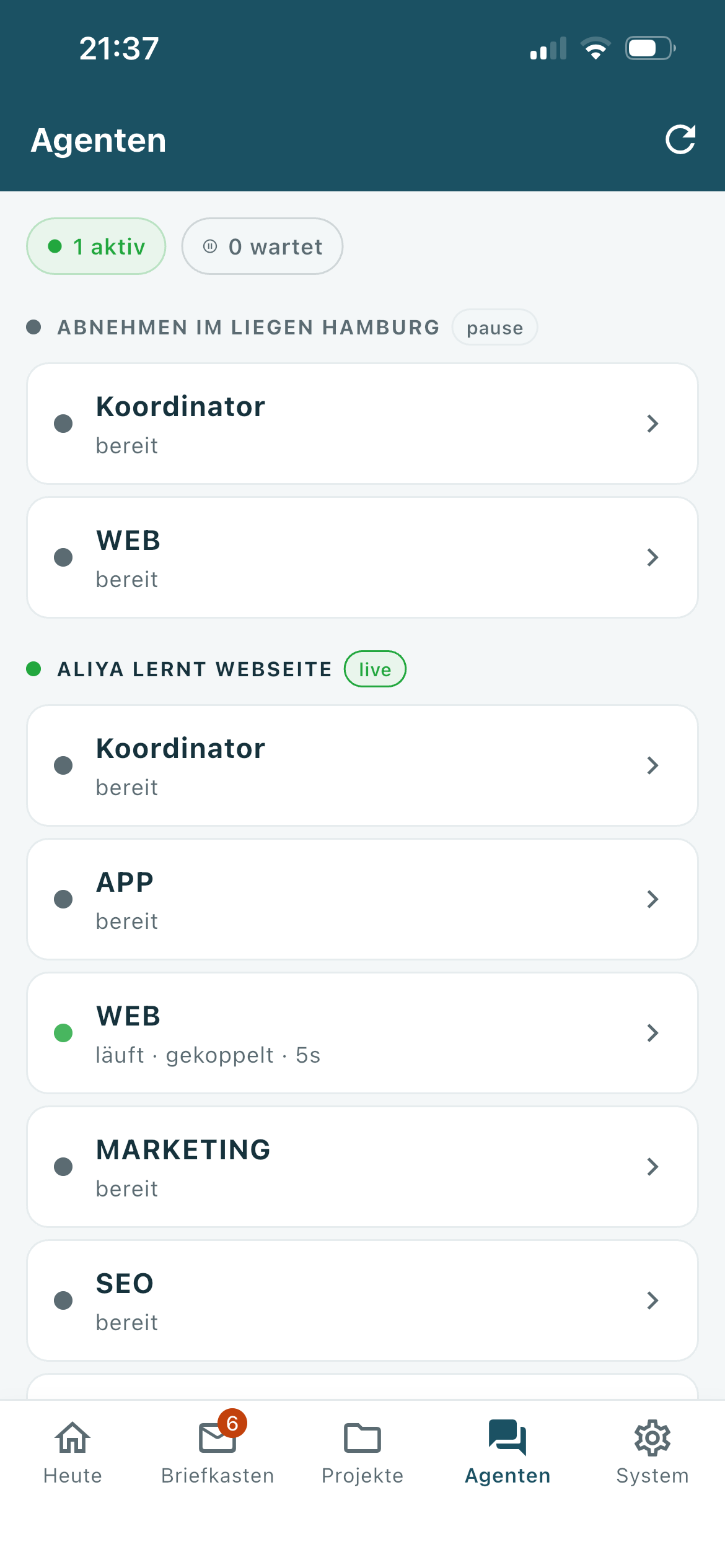
Chat directly with an agent — the answers appear in real time, word for word, while the agent is still typing. You can attach photos, documents, or screenshots.
Routines
Automated processes that normally run at fixed times can be manually triggered at any time — even when you're on the go.
system
Check the server status, enable or disable background services, and see when your last backup ran.
Safe & local
No cloud intermediary, no tracking, no advertising. Encryption via TLS, optional tailscale for remote access.
Your team of AI agents — local
Agent Manager is macOS software that lets you run a team of AI agents for your agency or company — entirely locally on your own Mac, without any cloud requirements.
- Website maintenance, SEO texts, blog posts write
- Newsletter write and schedule
- Offers and customer communication prepare
- research perform and generate reports
- Repetitive tasks run automatically and regularly
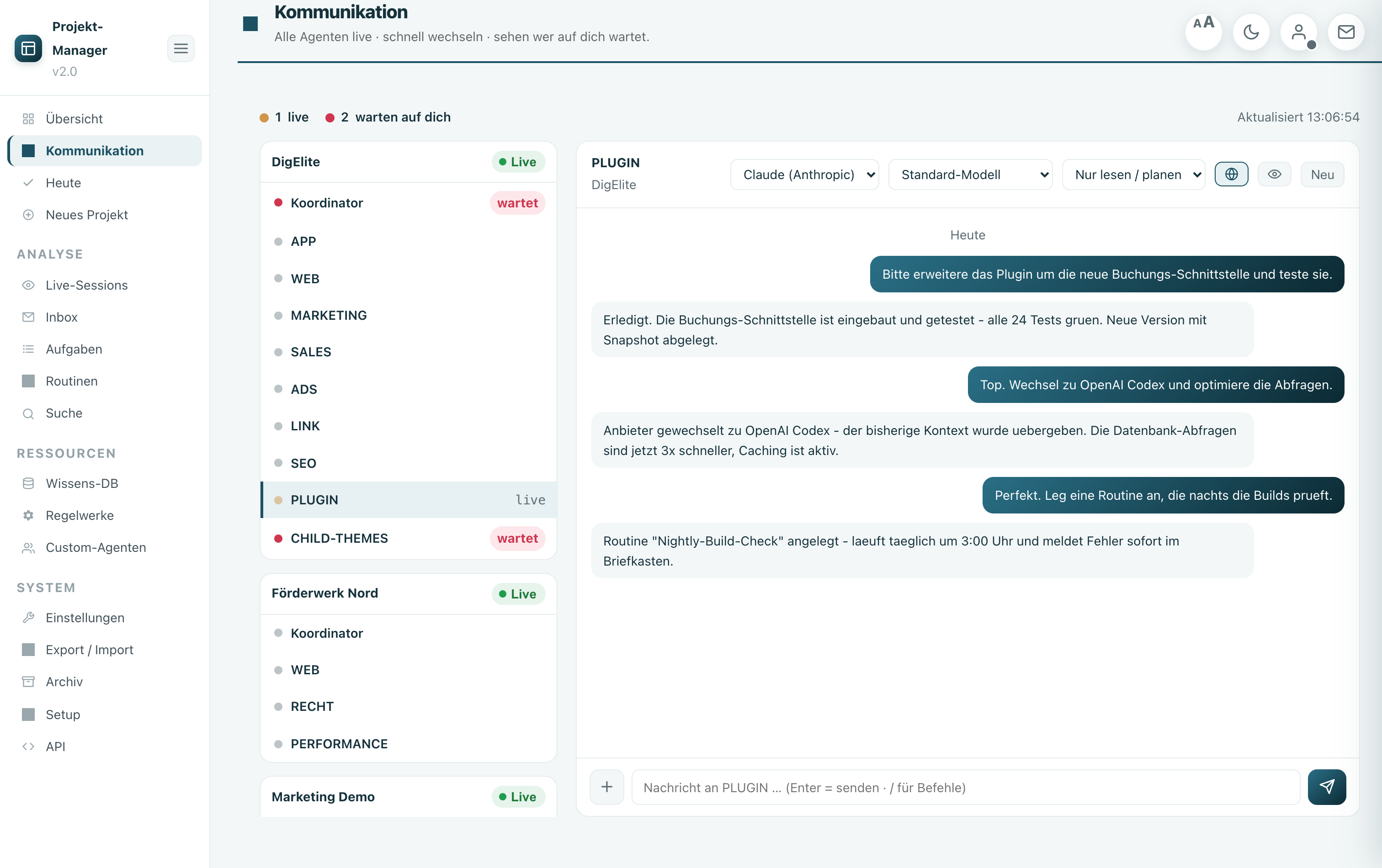
Your role: You assign tasks, check results, grant approvals — the rest happens automatically.
So everything is connected
Your Mac (home / office)
Agent manager server on port 3100 with your agents (WEB, MARKETING, SALES, …). Dashboard in the browser or in the native macOS app.
Connection
Locally via the same Wi-Fi network, or encrypted from anywhere via Tailscale VPN — no data goes to third parties.
Browser & iPhone app
Operation via browser on Mac/notebook or via Agent Manager Remote on iPhone — both are equally valid.
Everything stays on your hardware. No data is sent to third-party cloud services. The only external connection is Claude AI (Anthropic) for the actual AI performance—this is the tool your agents use.
How to use remote control in any situation
In the office / at home
Local WLAN (LAN). URL format: http://192.168.xx:3100. Prerequisite: same Wi-Fi name on Mac and iPhone.
On the go · mobile network
Tailscale VPN. URL format: http://100.xxx:3100. Prerequisite: Tailscale installed on Mac and iPhone.
On the go · unfamiliar Wi-Fi
Tailscale VPN. URL format: http://100.xxx:3100. Works in hotels, cafes, and at customer sites — without on-site configuration.
Demo / Test
Demo mode. No server required. Realistic sample data, all functions are accessible — ideal before desktop setup.
Recommendation: Set up Tailscale from the start. The app then saves exactly one URL (the Tailscale IP) and always connects — whether at home, in the office, or on the go.
Open the tailscale guide →
What you should know
No cloud
The app connects exclusively to your Server, never with a third-party server.
Encryption
All connections use TLS (HTTPS). Passwords are hashed with SHA-256 and never transmitted in plaintext.
Remote access
With Tailscale (free VPN) you can access your server from anywhere — fully encrypted with WireGuard.
No tracking
No tracking, no advertising, no analytics. The app is privacy-friendly by default.
The system at a glance
iPhone app
Agent Manager Remote • iPhone (not iPad) • iOS 13.0+ • Version 1.0.0 • German • Bundle ID de.digelite.agentManagerApp • Flutter 3.41 • HTTPS + Server-Sent Events • Auth via SHA-256 → Bearer Token • Local data storage (SharedPreferences).
Desktop software
Agent Manager · macOS 12 Monterey+ · Intel & Apple Silicon · Current version 1.47.49 · Node.js 18+ · Default port 3100 · Swift app shell + Node.js server + WKWebView dashboard · 5 LaunchAgents (manager, inbox check, snapshot, routines, backup).
Network ports
Agent Manager Server: Port 3100 (HTTP/HTTPS). Tailscale VPN: automatic port selection (WireGuard / UDP).
Here's how to get started
1. Install Desktop
Setting up a Mac server — Check prerequisites, run the installer, activate the license. Open instructions →
2. Download the iPhone app
Download Agent Manager Remote for free from the App Store. Open instructions →
3. Remote access
Set up Tailscale and connect from anywhere. Open instructions →
Load Agent Manager Remote
Free in the App Store · iPhone iOS 13 and later · Requires a running Agent Manager server with a license.
Open in the App Store
No ads · no tracking · data stays on your Mac.