Install Agent Manager Remote
The official iPhone app is ready to use in two minutes. Prerequisite: Agent Manager desktop app running on a Mac.
~2 minutes
For free
Three steps to a connected iPhone
- 1
Download the app from the App Store
Open the App Store on your iPhone, search for „Agent Manager Remote" and download the app (it's free). Go directly to the App Store →
- 2
Setting up a server connection
On first startup, the login screen appears with two fields: Server URL (Address of your Agent Manager server) and password (Set during setup). You'll find the correct URL format in the next section.
- 3
Connect
Enter server URL and password → „"Connect"" Tap. The app checks automatically — if successful, the dashboard opens. The next time the app is launched, it connects automatically (auto-login) as long as the server is reachable.
Which URL should I use?
There are two connection types — depending on where you are.
On the same Wi-Fi network as the Mac
URL format: http://[Mac IP]:3100Example: http://192.168.1.42:3100Find out the Mac IP address: Mac → System Preferences → Wi-Fi → Details → Read IP address.
From the road (tailscale)
URL format: http://[Tailscale IP]:3100Example: http://100.100.51.41:3100Find out the tailscale IP address: Open the Tailscale app on your Mac → IP address will be displayed (starting with 100).
Do you want to control the app from anywhere, not just in the office?
Then Tailscale is the key — free VPN, no router setup,
Works on other people's Wi-Fi networks and mobile networks.
Open the tailscale guide →
Test without a server
You don't have a server yet, but would like to try the app?
- On the login screen „Test demo mode" tap.
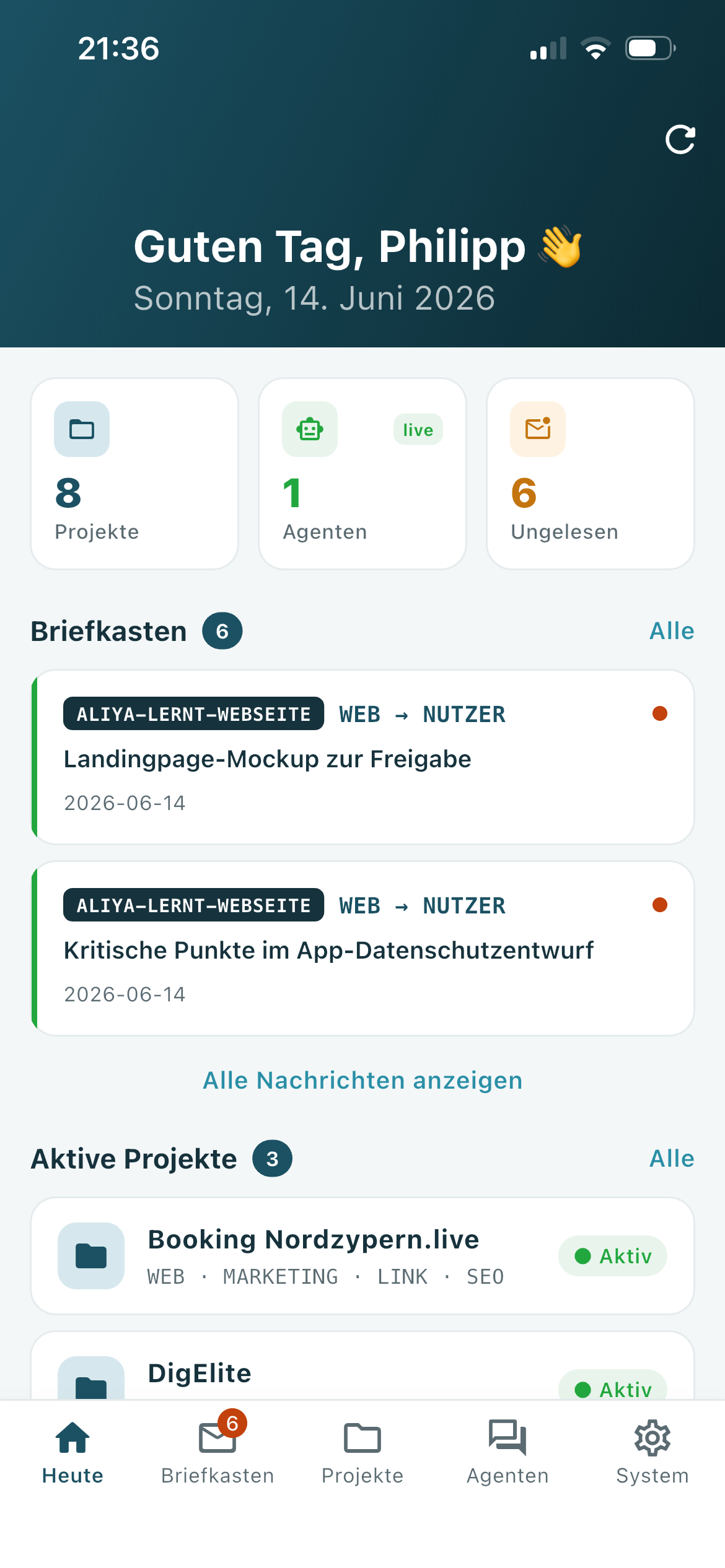
- The app starts with realistic sample data.
- All functions are usable; no server is required.
- Ideal before deciding whether to set up the desktop server.
What you can do next
Setting up remote access
With Tailscale, you can access the Mac server from anywhere — encrypted, without router configuration. Open instructions →
Explore iPhone app
Product page with all features — mailbox, projects, live chat, routines. Go to product page →
Frequently Asked Questions
Answers to questions about multi-device operation, security, demo mode, and more. Go to FAQ →