





This page deliberately contains violations of WCAG criteria as a playground for the DigElite accessibility plugin. Do not share, do not link. Activate the modules one by one and observe what gets repaired.
Accessibility testing sandbox
This heading skips h2 and h3
An h2 after an h4 — wrong order
Second H1 on the same side (forbidden)
Images without alt text
Three images without an alt attribute. Screen readers cannot announce them.
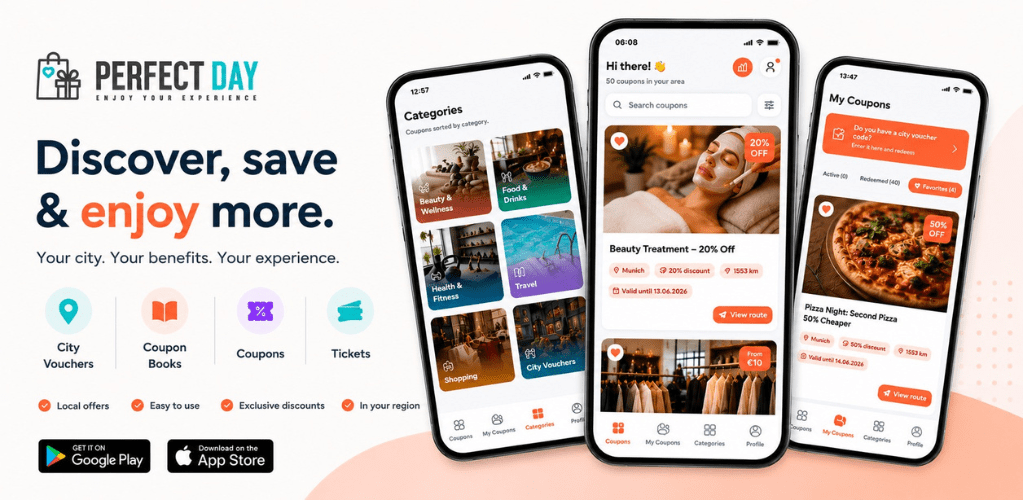
The last image has generic alt text — the AI alt text module should provide a better suggestion.
Generic link texts
More about our services here.
Do you know your obligations under the BFSG? Click here.
Contrast violations
Light grey on white (~1.6:1) — well below WCAG threshold 4.5:1.
Light coral on white (~ 2.4:1) — typically pretty for the brand, but not accessible.
White on light coral (~2.4:1) — same problem from a different direction.
Light grey on a slightly lighter grey (~ 1.2:1) — the classic for „minimalist" themes.
Broken keyboard controls
The following "buttons" are non-semantic divs without a tab index and without an ARIA role. Mouse clicks work, but tab clicks do not.
And here's an anchor without href — also not focusable:
Pseudo-link (no href)Broken form
Not a single label-for reference, no fieldset around the radio group, mandatory fields only indicated by asterisks, no aria-describedby for error display.
Broken tab order & lack of focus
Four links with positive tabindex values — tab order is reversed against the visual order.
Visual 1 — tabindex=4Visual 2 — tabindex=1
Visual 3 — tabindex=3
Visual 4 — tabindex=2
Furthermore: `outline:none` completely removes the focus ring. Keyboard users cannot see where they are.
Mini buttons
Buttons with only 20×20 px — the minimum size according to WCAG 2.5.5 is 44×44.
Virtually unusable on touch devices.
Continuous animation without reduced motion protection
The orange block rotates endlessly — even if the visitor has set "less movement" in the OS.
Language mix without length
We provide accessibility solutions. Our team is committed to digital inclusion across Europe. Contact us for a free consultation about your WordPress site.
Also in French without marking: Nous offrons des solutions d'accessibilité numérique pour les sites WordPress.
Broken accordion
div-based accordion without role, aria-expanded, aria-controls.
Missing landmarks
This section contains no semantic areas (no nav, no aside, no role="region"). Screen readers cannot jump between areas.
Data table without header cells
| name | City | Postcode |
| Example A | Osnabrück | 49074 |
| Example B | Muenster | 48143 |
Video without recognizable captions
Embed any video without a `track` element for subtitles — the plugin module should mark that.
(Source probably does not exist — this is only about the markup pattern.)
Complex wall text
Implementing accessible web applications while adhering to WCAG 2.1 compliance levels requires an interdisciplinary understanding of HTML semantics, ARIA specifications, CSS visualization techniques, and assistive technologies such as screen readers, Braille displays, and speech-to-text input systems. The interaction of these technologies, particularly in dynamic single-page applications using frameworks like React, Vue, or Angular, must be ensured through live region management and correct focus management. This is hardly sustainable without appropriate specialization and several years of practical experience.
Marquee-style scrolling text
Auto-scroll movement without a pause button, without reduced motion protection.